

Every kind of section, on one page
A SakerWeb page is a list of sections, top to bottom, and every theme can show each kind. This page has one of every kind, each one saying what it is.
This first one is a hero with its picture behind the text, darkened so the words stay readable.
A hero with its picture beside the text
The same kind of section, with the image next to the words instead of behind them. A hero can also show several photos as a slideshow, slowly zoom in on them, and have its words rise into place as the page opens.

Text
A heading, text and buttons: most of a page is usually text sections. The text can have bold and italic words, links, and lists:
- one point
- another point
- and a third
It can also have smaller headings, quotes and tables.
Text beside an image
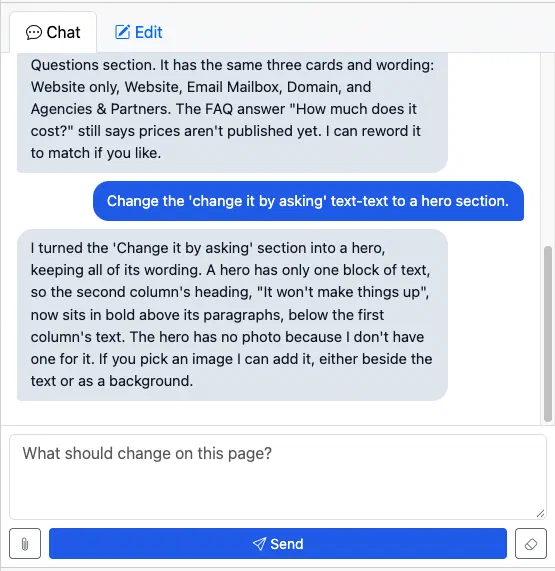
Words with a photo to their left or right. More photos can be stacked under the first.
This one shows a request in the console’s chat, and the assistant’s answer.
Two columns of text
Two headings and texts side by side. On a phone, the second column goes under the first.
The right-hand column
Each column has its own heading, text and buttons.
Cards
A row of cards, each with a heading, text, an image and a button: services, team members, price plans. One can be highlighted and given a badge.
Edit it yourself
Every section has a form in the Edit tab: headings, text, pictures and buttons.
Cards can have small print under them, like this.
Call to action
A short, centred heading, text and buttons, to ask visitors to do something.
Images
Photos shown whole, one above the other, as wide as the text: pictures between paragraphs.
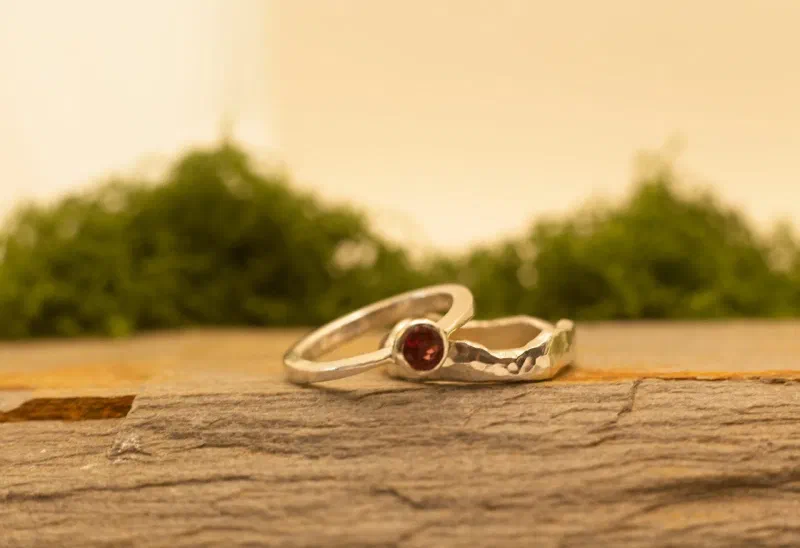
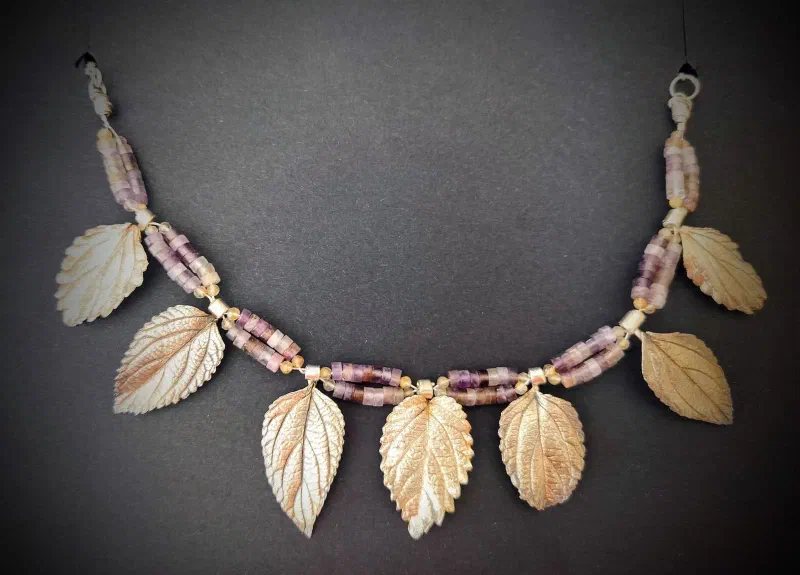
Gallery
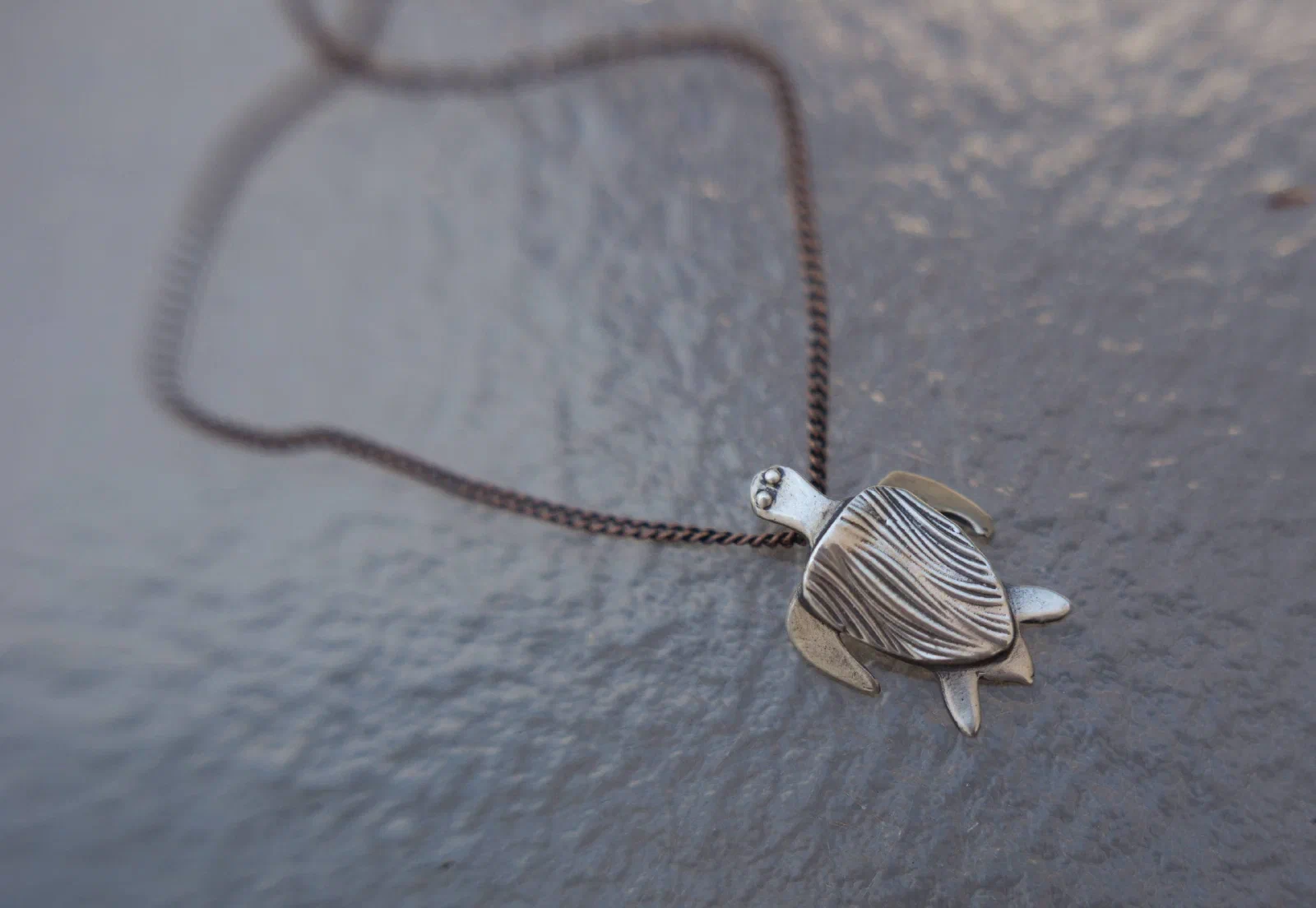
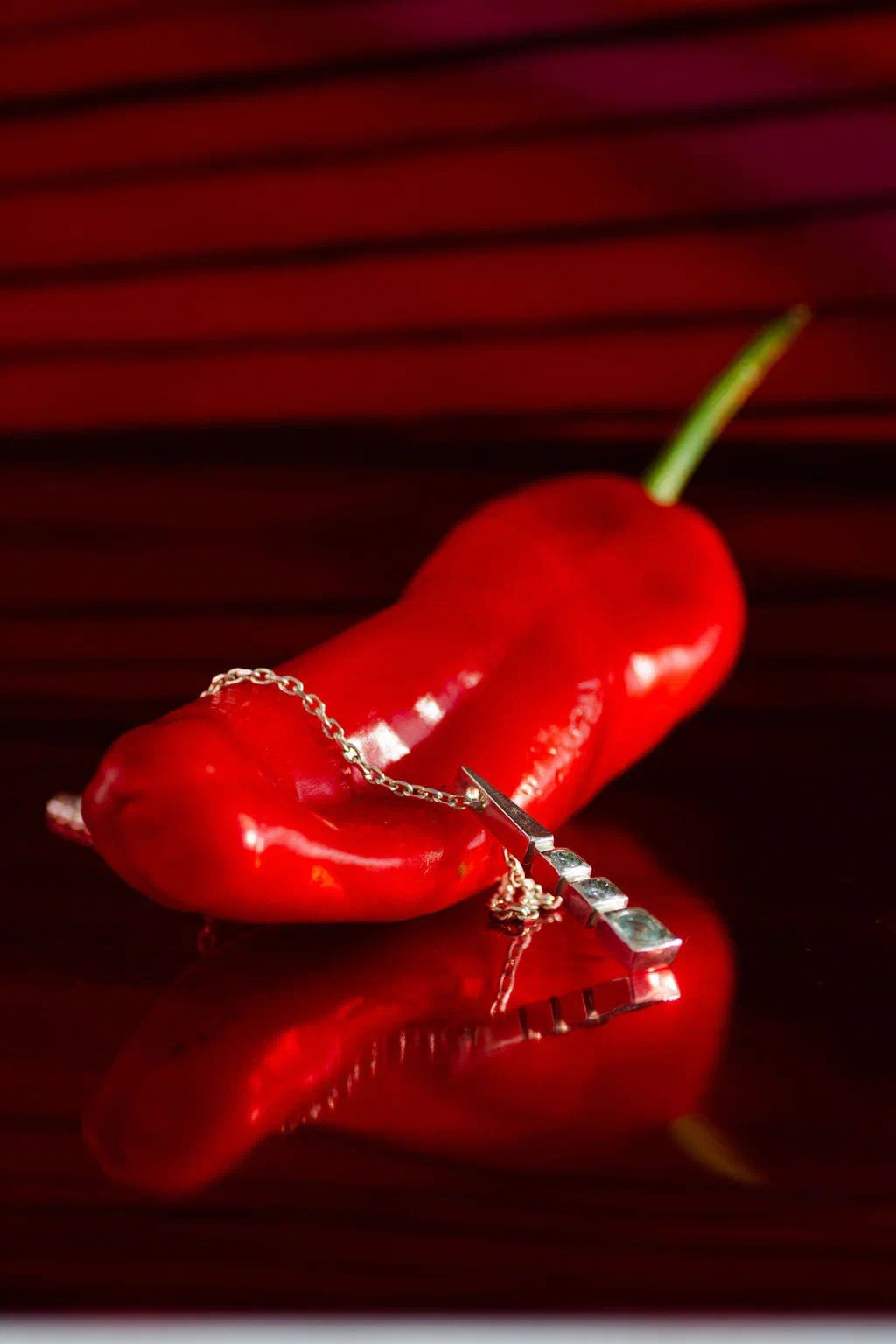
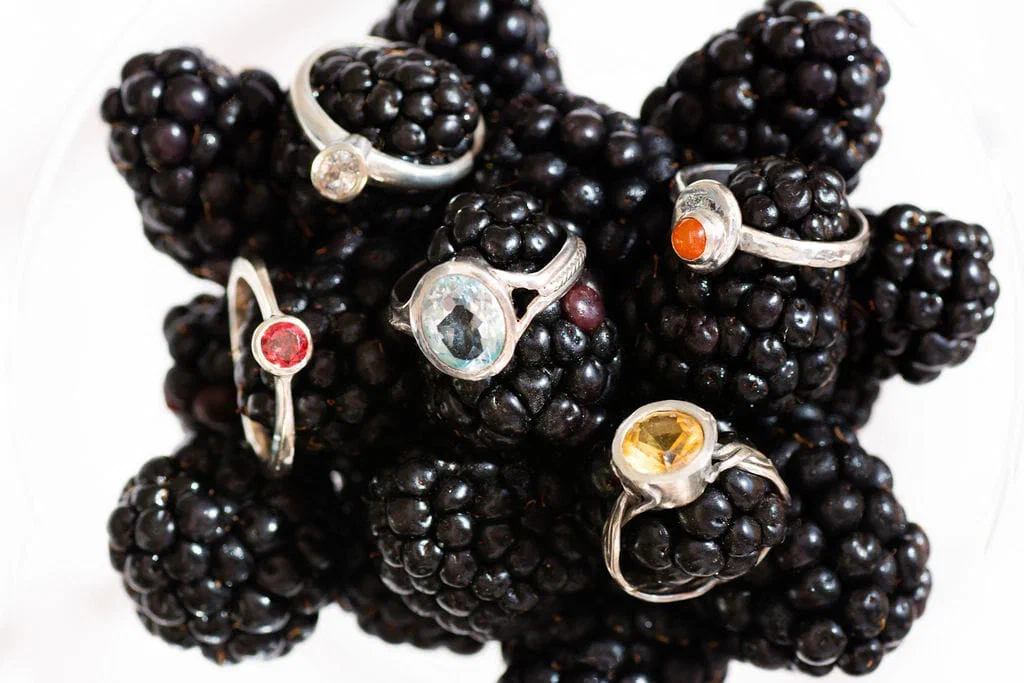
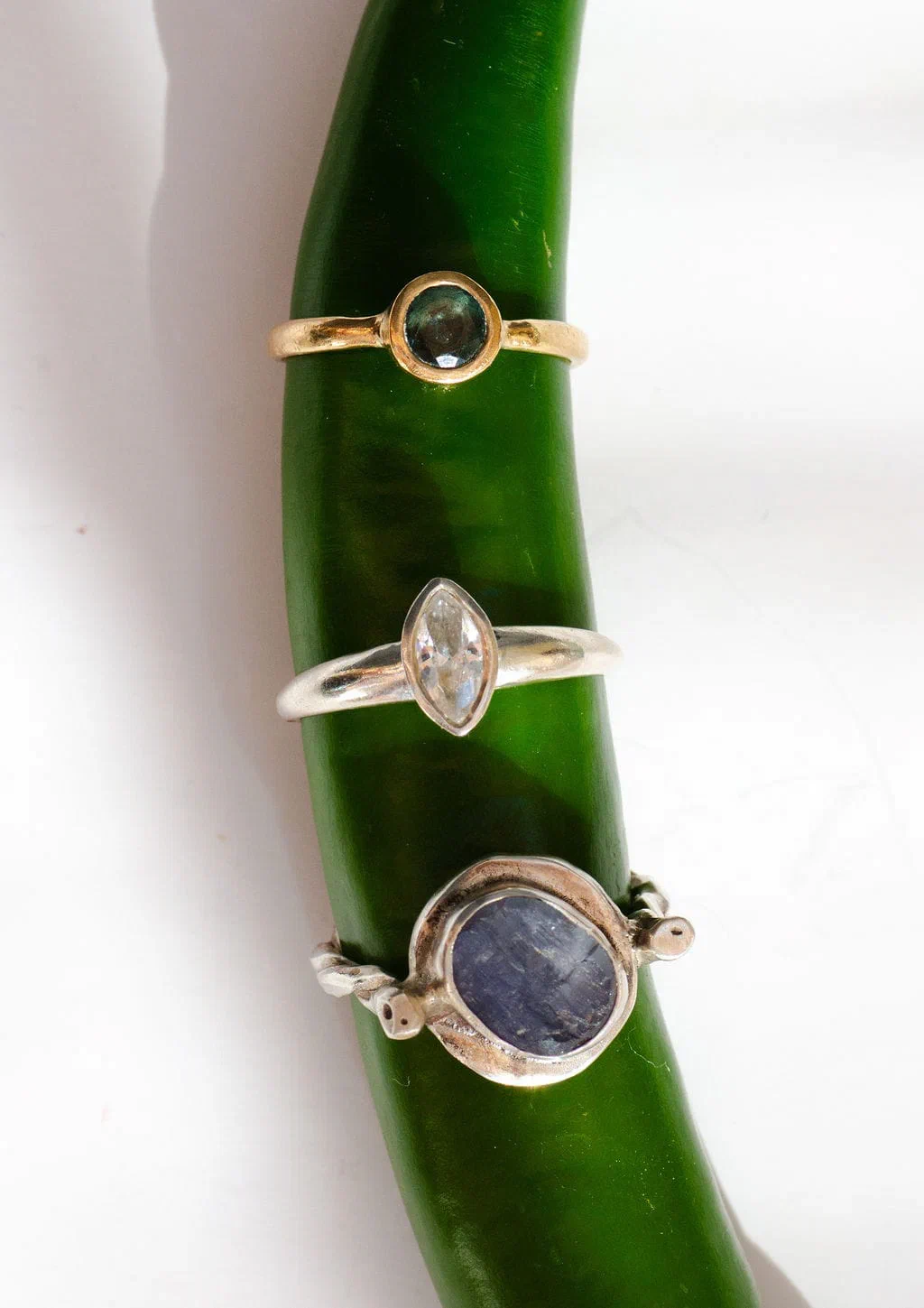
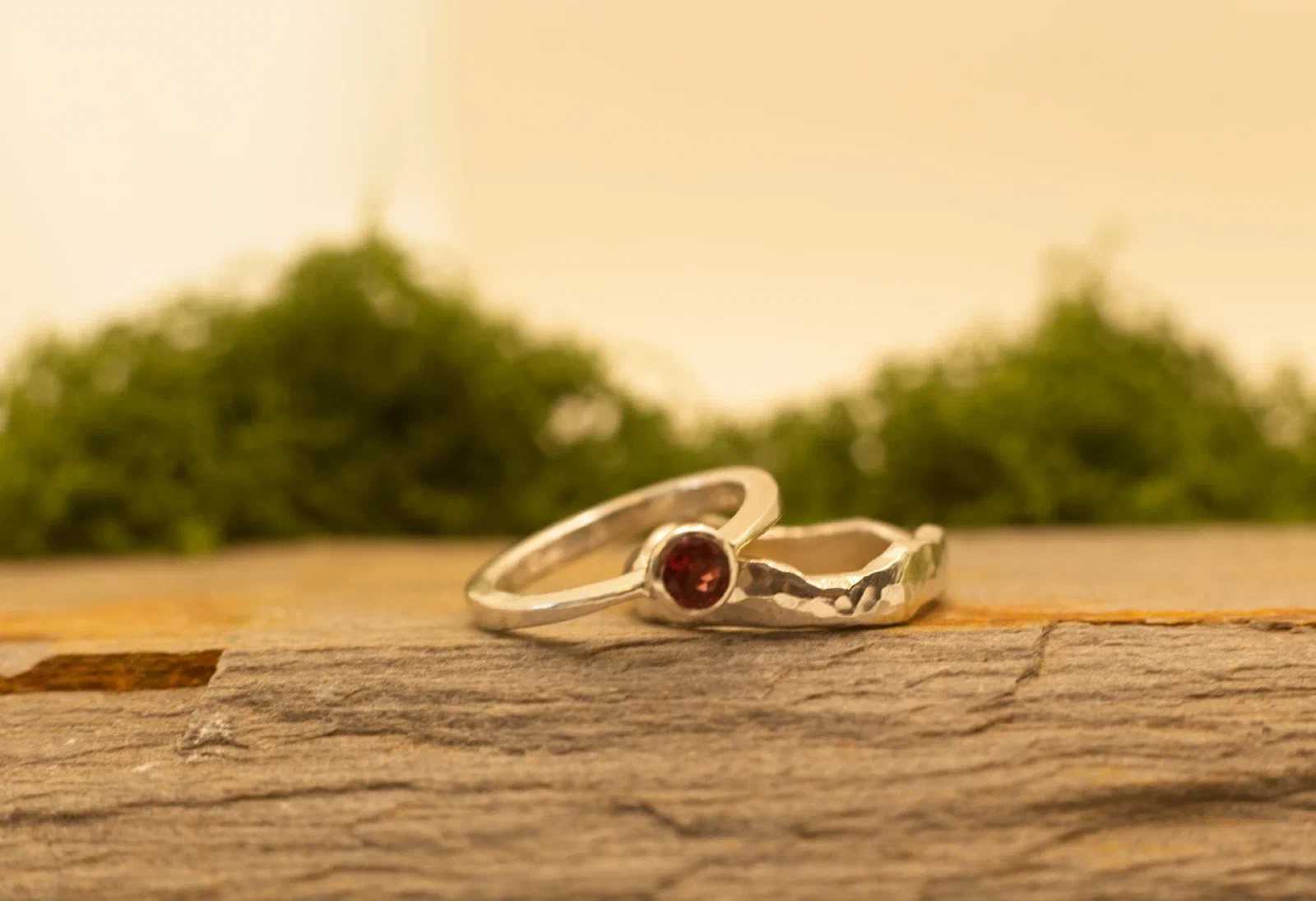
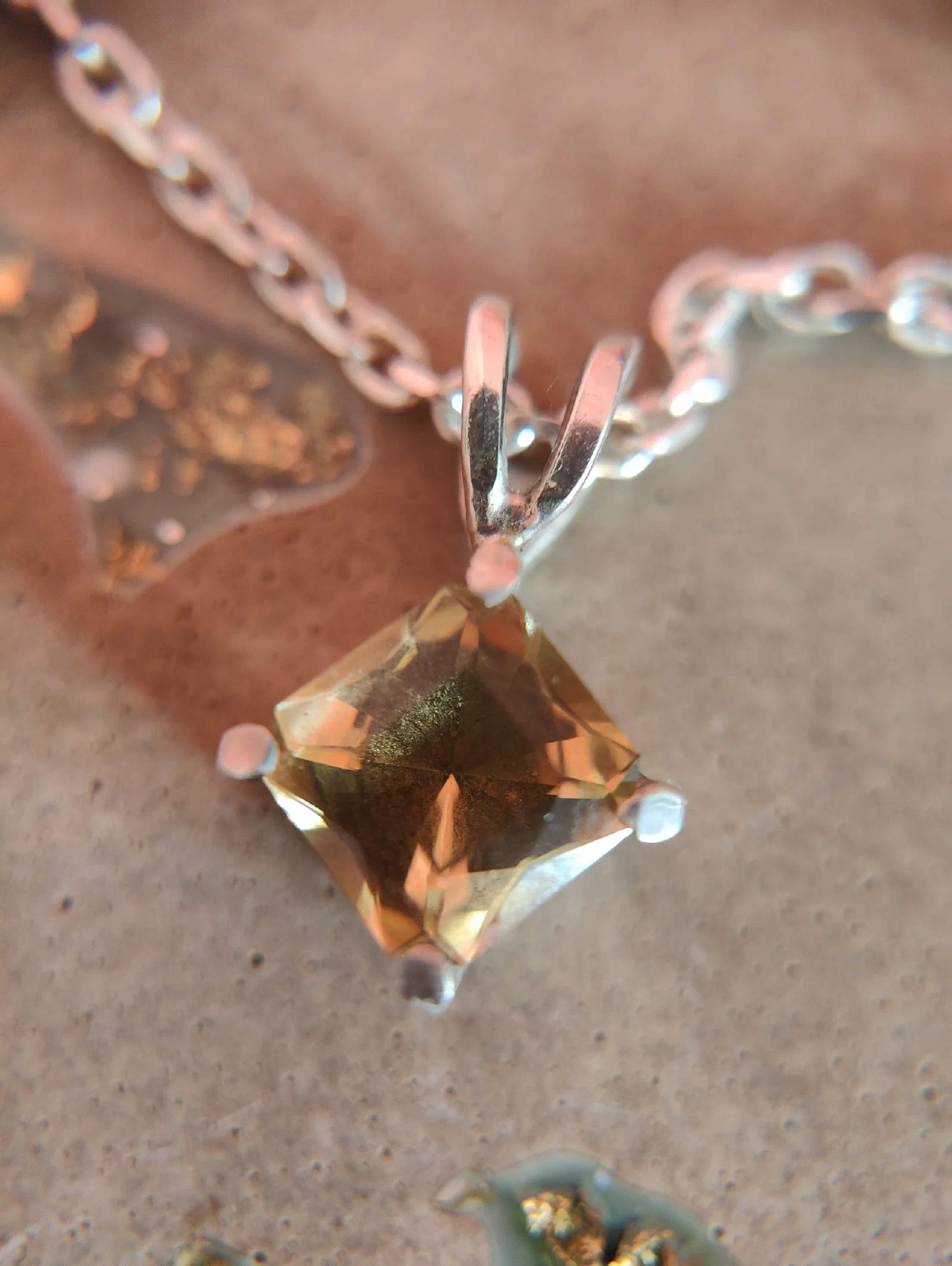
Photos in a grid, with titles and captions if you like. Click one to see it full size and step through the rest.
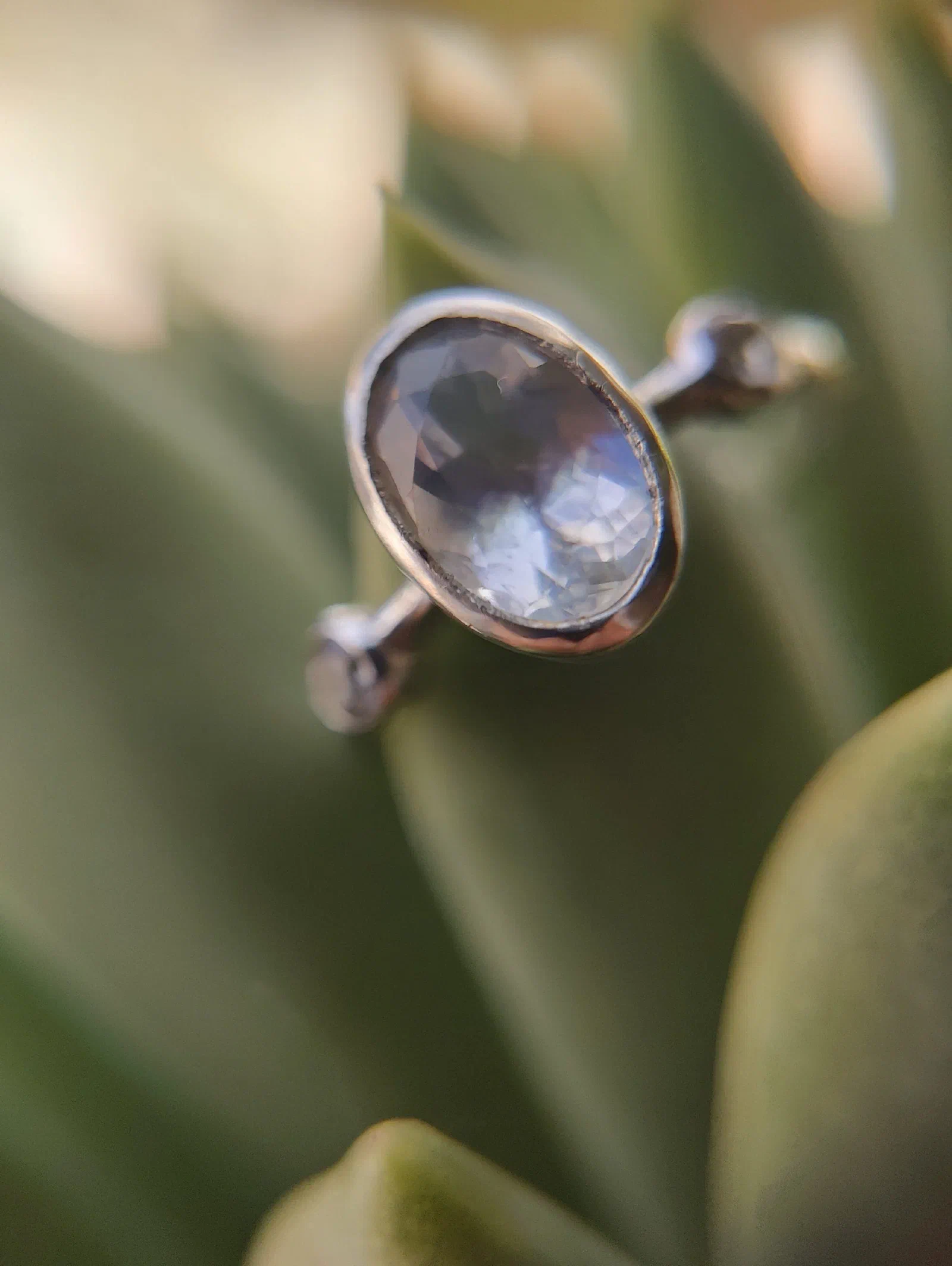
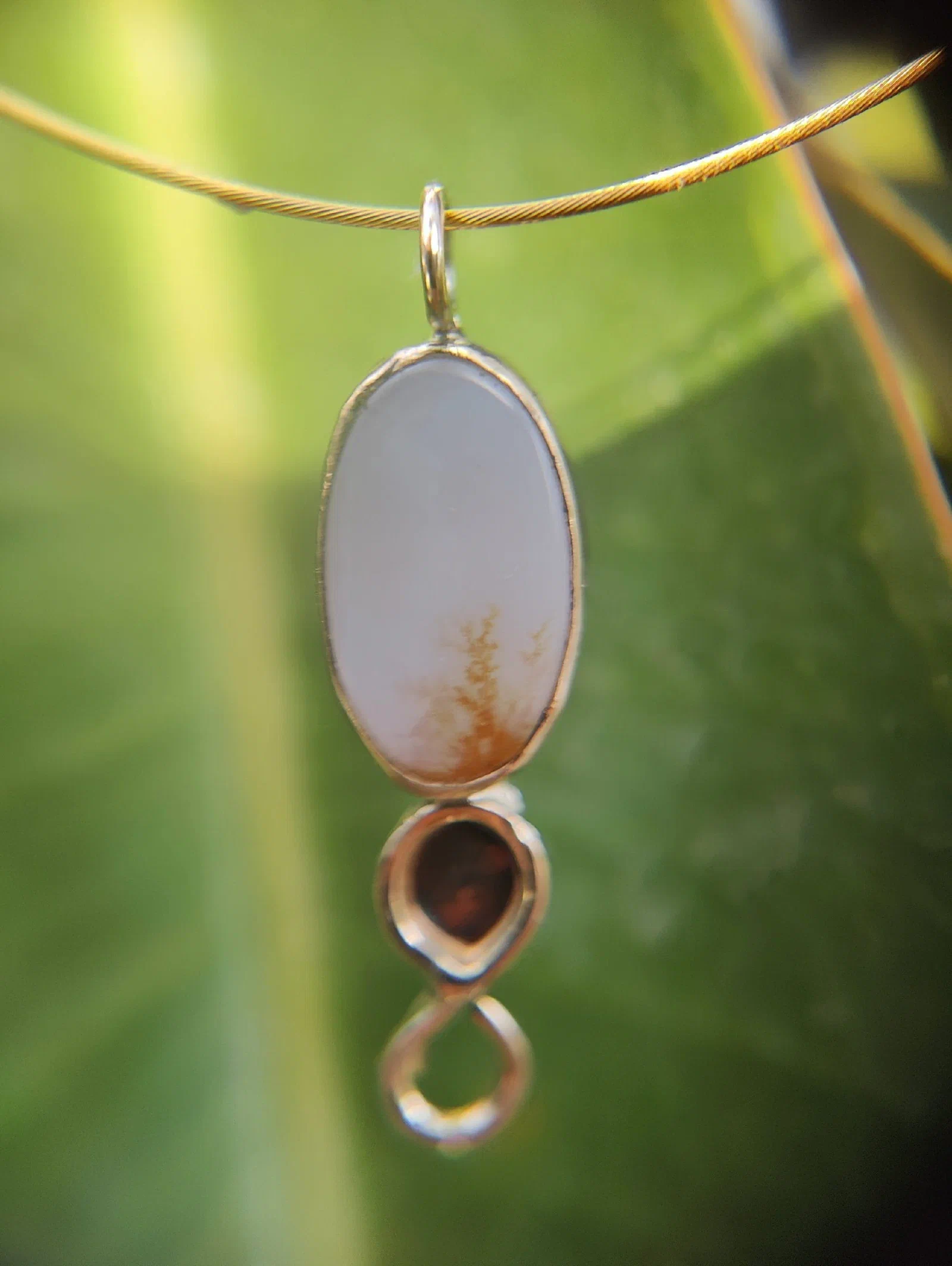

Gallery as a slideshow
The same photos shown one at a time, large, moving on by itself, with thumbnails of them all underneath.
FAQ
Questions that open to show their answers.
Can I change the order of the sections?
Yes: move them up and down in the Edit tab, or ask the assistant.
What happens to the sections if I change theme?
Nothing: the words and pictures stay as they are, and the new theme shows them in its own style.
What if no section fits what I want?
Ask the assistant for a custom block, further down this page.
Latest blog posts
Fills itself with the newest posts from the blog, from one category or all of them. This site has no blog yet, so there are none to show.
Products
Fills itself from the shop, from one category or all of it.



Custom block
For a layout nothing else fits, such as review cards or a price table. The assistant builds it from a small set of parts that follow the theme.
Ask
Say what you want on the page.
Look
Check it in the preview.
Publish
Put it live when you are happy.
Contact form
The site’s contact form, with text beside it. Messages arrive in the console’s Forms section, and by email.
Thank you. Your message has been sent, and we’ll be in touch soon.